




A large miniature catalog is exciting until every open tab contains another possible wizard. Browsing by designer gives the search a useful starting point: find one sculpt you like, then explore the collection around it.
You can use that approach to build a visually consistent party or to find a distinctive centerpiece. The trick is to separate the style you want from the practical details each model needs to satisfy.
Start with the job your miniature will do
Write a short brief before browsing. “A traveling merchant for a busy market” gives you a clearer target than “something fantasy.” For a scenery project, try “small workshop props that leave room for figures to move.”
Choose one main requirement and one visual preference. You might need a standing human character and prefer exaggerated, storybook details. Keep those notes beside your shortlist so an impressive image does not distract you from the original project.
Use the designer collections as starting points
The collections directory groups the catalog into manageable places to explore. Here are a few routes through it:
- Great Grimoire includes knights, merchants, adventuring characters, and woodland creatures.
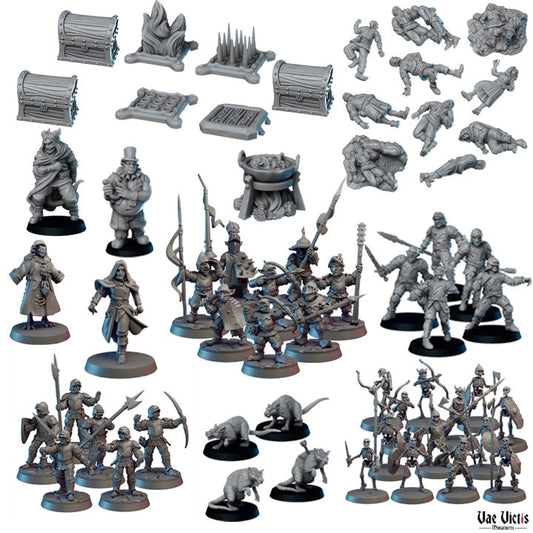
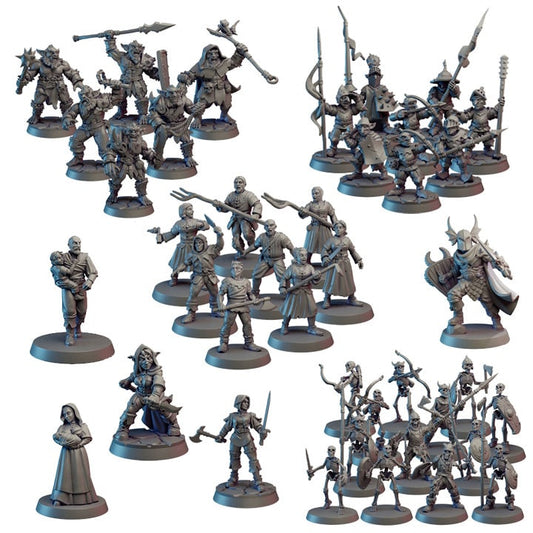
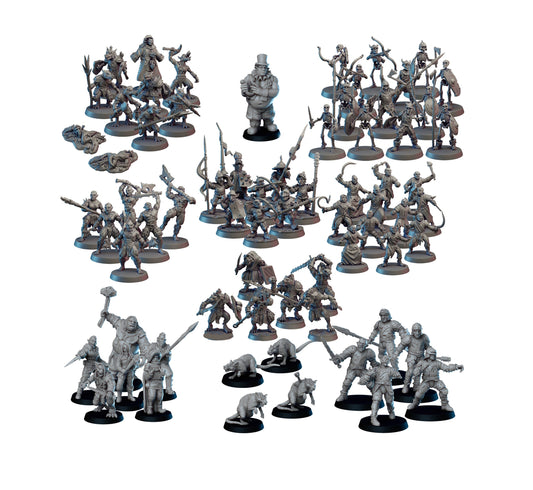
- Vae Victis Miniatures brings together fantasy characters, creatures, spell effects, and scenic bases.
- Print Minis is a starting point for futuristic characters, gangs, mechanics, and monsters.
- Tiny Furniture Digital offers physical prints of camp scenery, furniture, and other scene-building details.
- Zabavka Workshop includes skulls, scrap metal, ruins, and basing bits.
These examples describe what you can browse; the product page confirms the exact pieces and options. Designer names containing “Digital” or “STL” do not turn a PrintedByAliens product listing into a downloadable file. Our STL Miniatures collection, for example, contains physical prints.
Search with one useful detail at a time
If you know the subject, begin with a concrete word such as “merchant,” “fox,” “books,” or “scrap.” Try the designer's name when you want to return to a style you liked. If a long phrase gives you too few results, shorten it and inspect the relevant listings.
Save links to three candidates rather than keeping an endless row of tabs. Beside each link, note the designer, intended use, scale option, base choice, and whether your selection is one miniature or a set.
Check whether the shortlist works together
Compare silhouettes, equipment proportions, and the amount of decorative detail. Models do not need the same sculptor to share a table, but a heavily stylized figure can stand out beside a restrained one. A common painting palette and similar basing can help give a mixed group a shared setting.
Confirm dimensions separately. A designer collection is a browsing aid, not a guarantee of identical heights or base sizes. Our 28mm and 32mm scale guide explains what to compare.
Finish with the product options
Read the contents and assembly notes, select the required variation, and check the current processing information before ordering. Miniatures arrive unpainted; a product render is a guide to the sculpt, not a promise of a painted finish.
For a specific fit question, send us the product link and the dimensions you need. That gives us something concrete to help with.
Featured image: digital product render of the Dragon Merchant by Great Grimoire. Check the listing for the contents of your chosen option.